
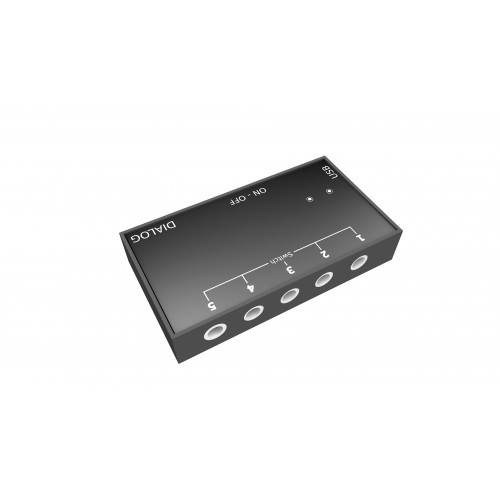
The connection between D-Switch and the communicator is a simple Bluetooth connection. To connect, once the D-Switch is turned on, search for nearby Bluetooth devices. D-Switch will be recognised as a Bluetooth keyboard. Once you have connected, you can connect and use the switch sensors.
D-Switch by Dialog
The D-Switch device is an interface for sensors that does not require any connection between the communicator and the interface itself. The interface uses Bluetooth technology to send all the inputs from the sensors connected to it. This innovative product eliminates the problem of physical connection between the sensors and the communicator.
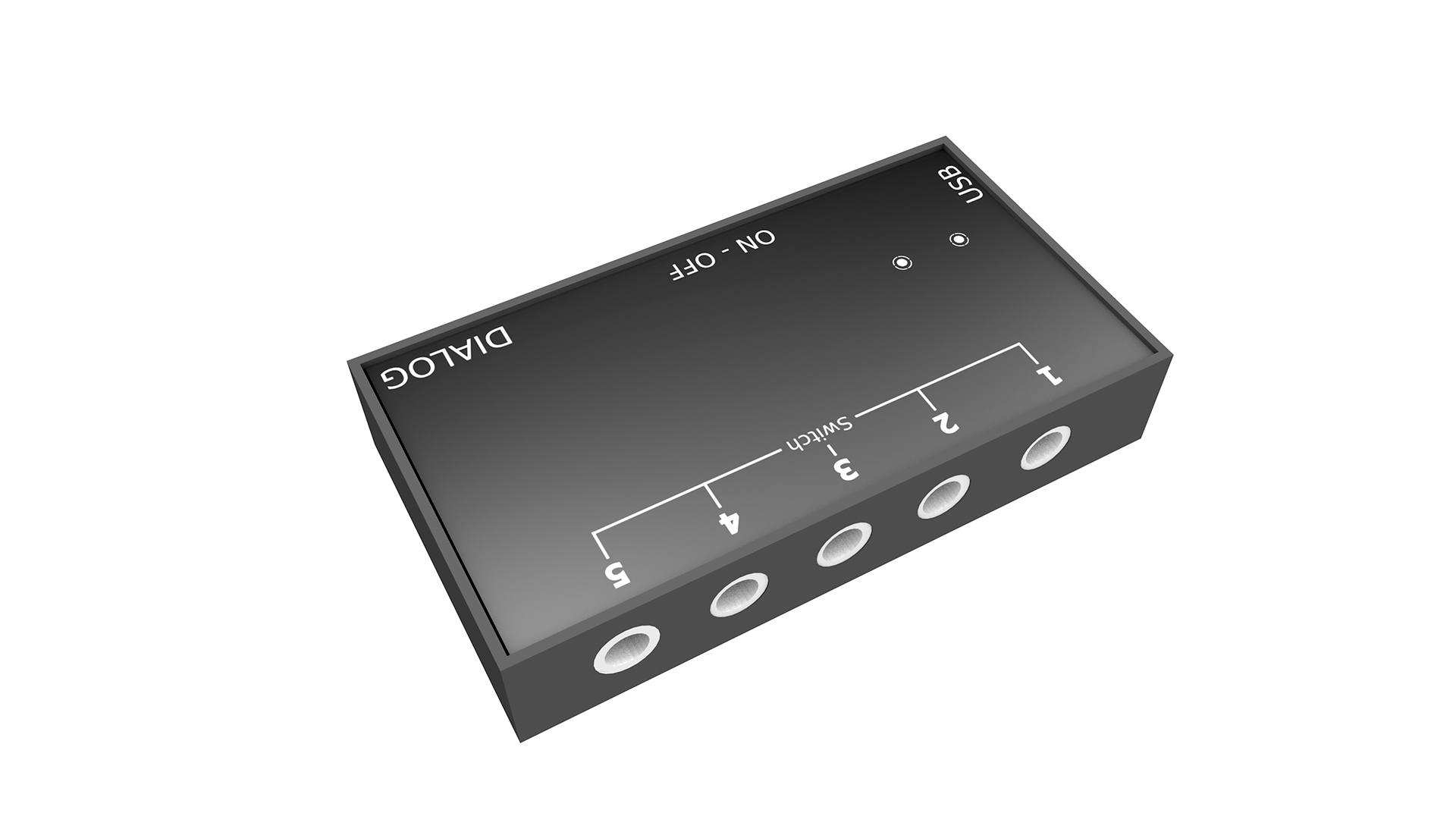
Interconnection
The D-Switch interface uses standard Bluetooth to send the sensors’ input to the communicator it is connected to. The sensors can be used up to a maximum distance of 5 metres.
Input Switch
There are 5 inputs that allow for any switch (sensor) on the market to be connected that has a 3.5mm jack (e.g. switches, microlights, foot switches, etc.).
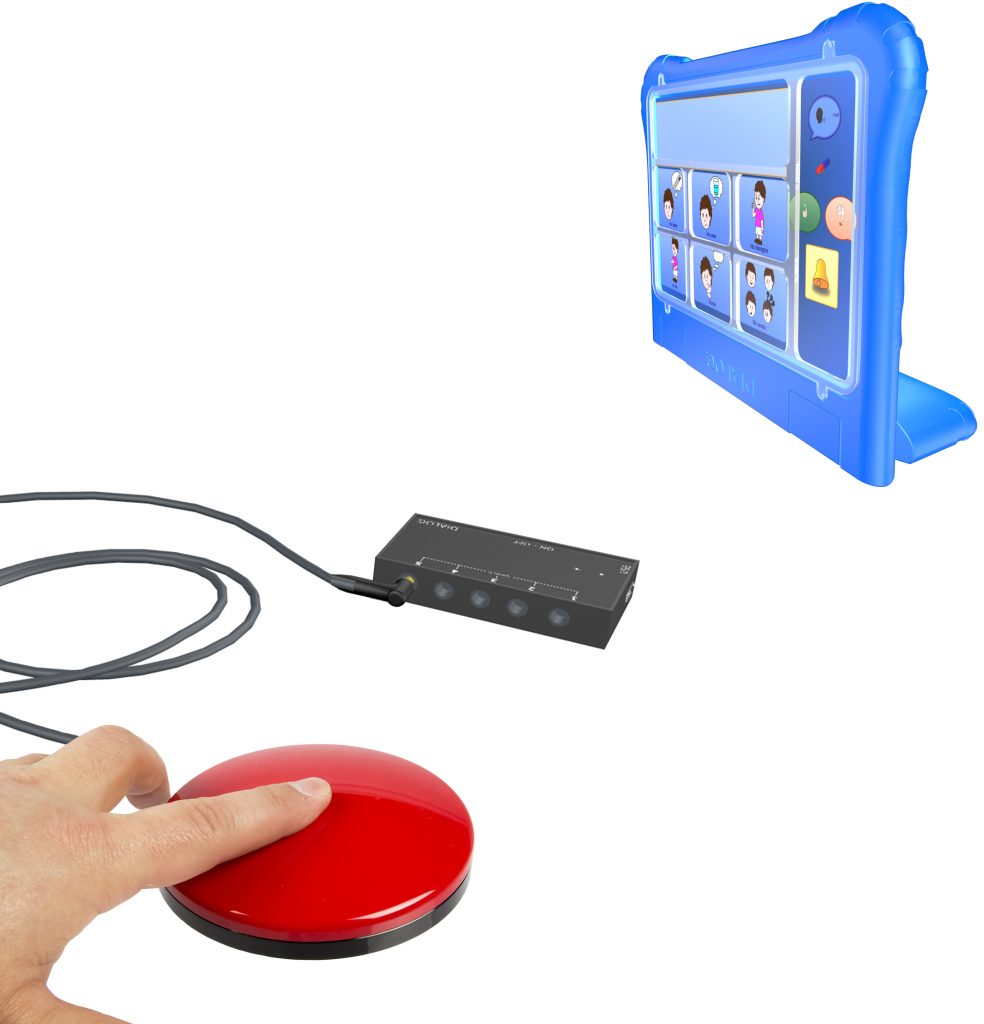
Connection with Devices
Dialog D-Switch
- Brand: Dialog Ausili
- Product Code: Dialog D-Switch
- Availability: In Stock
-
Request Quote
Related Products
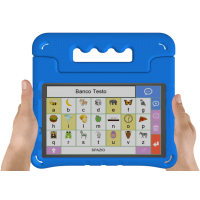
Dialog DPOCKET Communicator Android Tablet 7" Multi Touch IPS LCD
NEW DPOCKET – CAA Tablet Communicator for Autism.DPOCKET Communicator Android Tablet 7" Multi T..
Request Quote
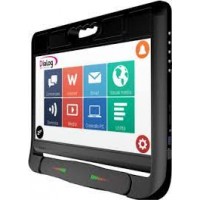
Dialog 3.0 Eyetracking
Dialog Ausili Product Catalogue - Aidshttps://www.dialogausili.com/en/product-category/aids/DIALOG 3..
Request Quote

Dialog DPAD Communicator 10.1" Touch Screen
DPAD - DYNAMIC TOUCH COMMUNICATORhttps://www.dialogausili.com/en/product/dpad-tablet-communica..
Request Quote

Dialog AAC
Dialog Ausili Product Category - aidshttps://www.dialogausili.com/en/product-category/aids/Dialog AA..
Request Quote

Dialog DEye Binocular Pointing System
DEye Binocular Pointing SystemThe Deye Binocular Pointing System is an advanced eye-tracking device ..
Request Quote
Tags: Dialog, D-Switch, 3.5mm jack, 5 Inputs, Dialog, Dialog 3.0 Eyetracking, Dialogausili, Adanced Binocular Eye Tracking System, Computer Accesibility, moderate movement disorders, ALS, Dystonia, AAC, Cerebral Palsy, Severe acquired brain injury (child or adult), DPAD, DEYE, Interface,